
About this game
Getting Started with Digital Art
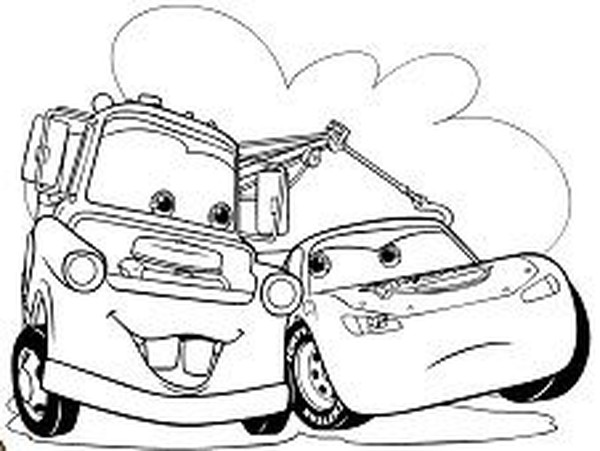
This application presents a straightforward way for children to engage with art using a computer or tablet. Upon opening, users see a clean outline of a recognizable vehicle character. A set of color options appears on the side of the screen. The process is simple: pick a color and tap or click the area you wish to fill. The color instantly applies, staying neatly within the lines. This direct interaction helps young users understand cause and effect while building confidence with digital tools.
Creative Freedom Without Pressure
There are no timers, scores, or right or wrong choices. Children can experiment freely with different color combinations. If they want to change a section they already colored, they can simply select a new color and click again. This flexibility encourages repeated attempts and creative exploration. The lack of pressure makes the experience relaxing, allowing kids to focus on the process rather than the outcome.
Character Themes That Spark Interest
The activity features outlines based on well-known vehicle characters from popular media. This familiar element helps engage children who may already have a connection to these characters. Seeing a favorite character in a new, blank format invites them to personalize it. This connection can motivate children who are less interested in traditional art activities to try coloring.
Skill Development Through Play
While the primary goal is fun, the activity also supports fine motor skill development. Selecting specific areas and coordinating a mouse or touch input helps refine hand-eye coordination. The simple interface ensures that even very young children can participate without frustration. Parents can sit with their child, discuss color choices, and share in the creative process, turning screen time into quality family time.









Audience comments
Sign in to comment
You must be logged in before posting a review or rating.
No account? Create one
No comments yet. Be the first to comment!